
Digital Eye Strain: Why Your Eyes Are Exhausted by 6 PM
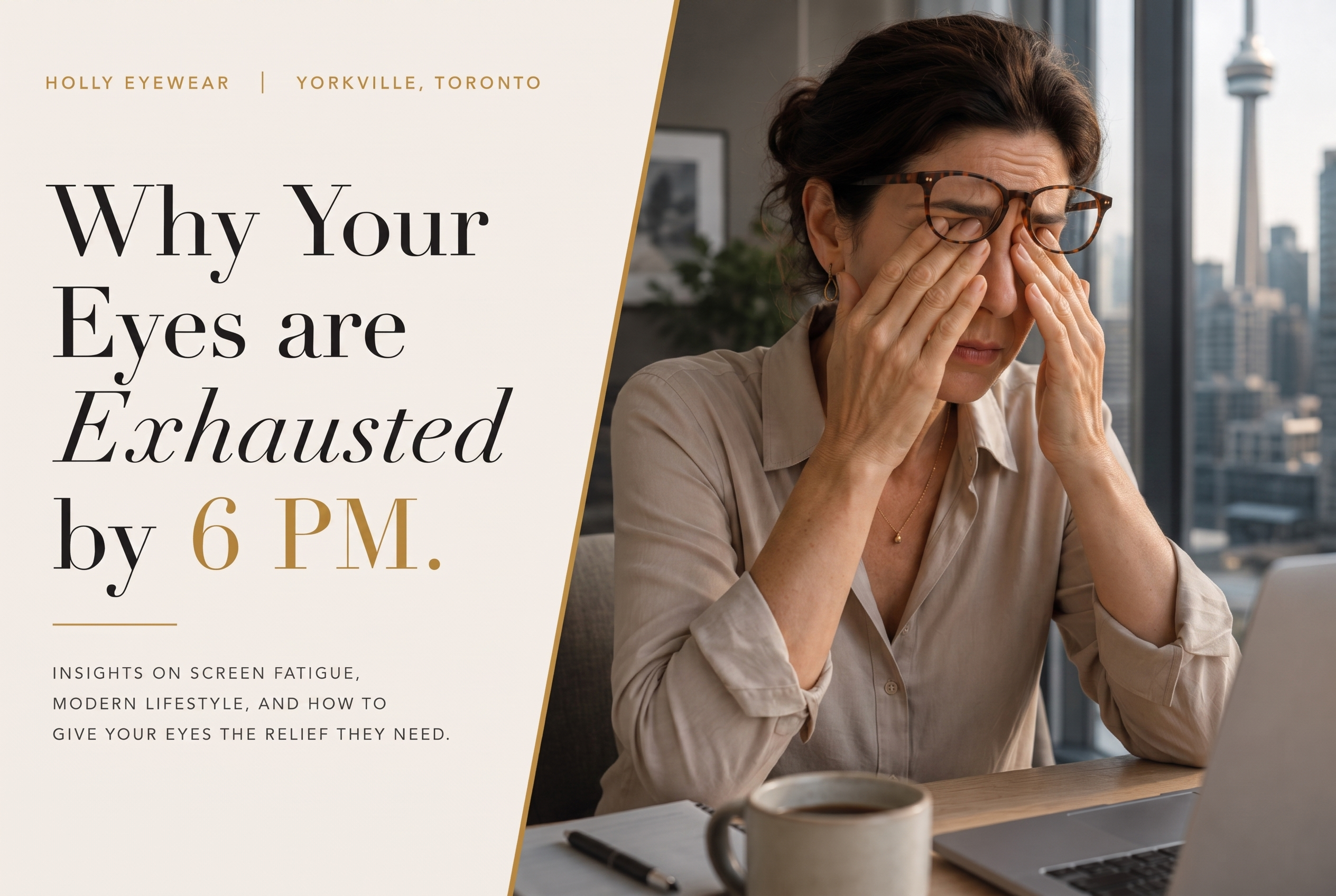
You know the feeling. It’s 6 PM, you’ve closed your laptop, and instead of feeling done for the day, your eyes feel like they ran a marathon. Dry. Achy. A little blurry when you look up. And then you sit down, load Netflix, and put them right back to work for another three hours. If that’s your evening most nights, you’re not imagining it — you’re dealing with digital eye strain, and in a city where the average commute involves staring at a phone while on the TTC or GO Train before you’ve even clocked in, it’s become the norm rather than the exception.
Why Do Your Eyes Feel Wrecked After a Day of Screens?
Screens force your eyes to hold one fixed focus for hours while you blink about half as often as normal, which dries out the eye’s surface and fatigues the small muscle that keeps your lens focused up close — the combination is what most people experience as end-of-day eye strain.
Digital eye strain — sometimes called computer vision syndrome — isn’t one single problem. It’s what happens when your eyes are asked to do something they weren’t really built for: stare at a fixed distance, at a glowing, high-contrast screen, for hours at a stretch, without the natural breaks your eyes get from looking around a room or out a window.
Part of it comes down to blinking. Most people blink around 15 times a minute normally. Staring at a screen — whether it’s your third work Slack thread of the morning or your sixth episode of a show you swore you’d only watch one of — cuts that rate roughly in half. Fewer blinks means less moisture spread across the eye, which means dry, irritated eyes by mid-afternoon.
Then there’s the eye muscle itself. Focusing on something 20–25 inches away for hours means the small muscle that adjusts your eye’s lens stays contracted almost the whole time — the eye equivalent of holding a dumbbell in one position for eight hours. It’s not the weight that gets you, it’s never putting it down.
The American Optometric Association describes computer vision syndrome as a group of eye and vision-related problems that result from prolonged use of computers, tablets, and phones — not a single diagnosis, which is part of why the symptoms show up so differently from person to person.
The Toronto Screen Time Problem
Most adults here aren’t looking at one screen for eight hours — they’re bouncing between three or four. Laptop for work, phone during the commute, TV in the evening, and a second phone glance during whatever’s on the TV. Add in how many Toronto office jobs went hybrid or fully remote after 2020, and “eight-plus hours a day” isn’t an exaggeration for most desk jobs — it’s closer to a floor.
The Canadian Association of Optometrists points to the same mechanism driving all of this: seeing a screen at close range requires the eye muscles to contract for accommodation (focusing) and convergence (turning inward together), and over a full day of sustained screen use, those muscles can fatigue and start to spasm — which is what produces the headaches and blurry vision so many screen users report. It’s part of why more optometrists are asking about screen habits as a routine part of an exam now, the same way they’d ask about family history.
Is Your Workspace Setup Making Digital Eye Strain Worse?
Yes, in a lot of cases. Screen distance, monitor height, and mismatched brightness between your screen and the room around you all force your eyes to work harder than the screen time itself would require — often more than the hours logged.
Screen distance and height make a bigger difference than most people expect. The top of your screen should sit roughly at eye level, about an arm’s length away — not propped on a stack of books at a weird angle, and not six inches from your face because you’re squeezed onto a kitchen table that was never meant to be an office. If you’re constantly leaning forward to read something, that’s your eyes compensating for a setup that isn’t working.
Lighting is the other overlooked piece. A bright screen in a dark room — the classic late-night-laptop-in-bed scenario — forces your pupils to work overtime adjusting between the glow and the dark. Matching your screen brightness closer to the room around you, and cutting glare from windows or overhead lights, takes real strain off your eyes without changing a single habit about how much you’re on the screen.
And yes, the 20-20-20 rule still applies here: every 20 minutes, look at something 20 feet away for 20 seconds. It sounds too simple to matter, but it genuinely gives your eye muscles a break from holding one fixed focus point all day.

Why Don’t Contact Lenses and Screens Get Along?
Screen focus lowers your blink rate, and contact lenses depend on a steady tear film to stay comfortable — less blinking means less moisture reaching the lens, which is why contact wearers often feel dryness and grittiness sooner than glasses wearers during long screen stretches.
A few things help. Rewetting drops made specifically for contacts (not regular eye drops) can offset some of the moisture loss during long screen stretches. Daily disposable lenses tend to feel more comfortable for heavy screen users than lenses worn for a week or two, simply because you’re starting fresh each day rather than compounding dryness on a lens that’s already had a few long screen days on it. And keeping a backup pair of glasses on hand for your heaviest screen days — the ones with back-to-back Zoom calls or a deadline crunch — gives your eyes a real break from the contact lens equation entirely, even if you don’t switch for the whole day.
If dryness is a regular problem rather than an occasional one, that’s worth raising directly — Dry Eye Management is a specific, bookable part of Holly’s eye exam and fitting appointments, not just a passing mention during a routine visit. If you’ve never had your contact lens fit reassessed since you started working from a screen most of the day, that’s also worth bringing up. A fit that felt fine a few years ago on far less screen time isn’t always the right fit now.
Can Screen Time Actually Change Your Prescription?
It can, though the science isn’t fully settled. Sustained close-up focus — including screens — has long been studied as a factor in myopia progression, and a 2023 peer-reviewed review of the research puts the number as high as 40% of adults experiencing some degree of nearsightedness progression during their twenties.
This is the part people don’t expect: it’s not just kids whose eyes can shift with heavy near work. Each year, an estimated 10% to 20% of young adults develop nearsightedness for the first time after growing up with normal vision. Prolonged close-up focus — reading, screens, detailed work — falls under what eye researchers call the near work hypothesis: the idea that sustained close focusing puts physical strain on the eye that can, over time, contribute to it growing slightly out of shape.
To be fair to the science, the picture isn’t fully settled. Some large reviews find a real link between hours of near work and myopia progression in adults; others find the relationship weaker or inconsistent once other factors like genetics and time spent outdoors are accounted for. What researchers agree on more clearly is the pattern, even if the exact cause is still debated: people spending long hours on close-up work, including screens, are the same people showing up with new or worsening nearsightedness.
Practically, that means the blurriness creeping in isn’t always “just eye strain that’ll pass.” Sometimes it’s strain. Sometimes it’s a prescription that’s quietly shifted since your last exam. If your near workload is genuinely heavy — long screen hours most days — Myopia Control is worth asking about directly at your next visit, rather than waiting to see if it resolves on its own.
Is Screen Time Before Bed Ruining Your Sleep?
Yes, if screens are part of your last hour before bed. Blue light suppresses melatonin and delays your body’s internal clock, which is a documented reason late-evening scrolling can leave you wired rather than sleepy, even when you’re genuinely tired.
Here’s the one that catches people off guard. That “one more episode” before bed, the doomscroll that turns into forty-five minutes, the group chat you check right before turning off the lamp — all of that is happening at exactly the time your body is supposed to be winding down, and the light from your screen is working against it.
The Canadian Association of Optometrists confirms this directly: exposure to artificial blue light at night, especially from electronic devices, has been shown to suppress melatonin production and can lead to poor sleep quality, difficulty falling asleep, and daytime fatigue.
Where the science gets more honest is on whether blue-light-blocking glasses fix this specifically. Some studies show real improvement in sleep quality when people wear them in the evening; others find a smaller effect or none at all once you control for everything else going on. The most consistent finding across the research isn’t about the glasses — it’s that reducing blue light exposure in general, whichever way you do it, tends to help. Warmer, dimmer lighting in the evening and screens set to night mode after dinner both point the same direction.

What Actually Helps With Digital Eye Strain Long-Term?
A mix of habits, workspace fixes, and a current prescription. Screen-specific lens technology exists and can help with day-to-day comfort, but it can’t fix an outdated prescription — that’s what a comprehensive eye exam is for.
Two lens technologies come up often in this space: blue light filtering, which reduces the amount of high-energy light reaching your eyes, and anti-reflective coating, which cuts down on the glare bouncing off your screen that makes your eyes work harder to focus. Both are worth knowing about generally, and worth asking any optician about when you’re due for new glasses.
If glare is worse on the drive home than at your desk, see our guide to night driving glare.
But lenses can only do so much if the underlying prescription is off. A lot of digital eye strain gets blamed entirely on screen time when the real issue is a prescription that’s slightly out of date — something that’s easy to miss day to day but adds up over a full workday. That’s the part no lens coating fixes, and it’s exactly what a proper eye exam is for.
Frequently Asked Questions
Can blue light glasses actually help, or is that just marketing?
The evidence is genuinely mixed. Some people report less glare and eye fatigue during long screen sessions with blue light lenses, but there’s no strong clinical evidence that they prevent eye damage, and the Canadian Association of Optometrists frames coatings as something to decide with your optometrist rather than a guaranteed fix. Worth raising at your next exam if screen comfort is a concern.
How do I know if it’s eye strain or something I need a prescription for?
If symptoms clear up within an hour of stepping away from a screen, that’s typically strain. If your vision feels consistently blurry, or you’re squinting to read things you didn’t used to squint at, that’s a sign your prescription may need an update — worth booking an exam to check.
Does the 20-20-20 rule actually work, or is it oversimplified?
It works because it addresses the real cause — the eye muscles staying locked at one fixed distance for too long. It’s not a fix for an outdated prescription, but paired with proper lenses and a workspace that isn’t fighting against your eyes, it makes a real difference for day-to-day comfort.
I wear contacts — should I switch to glasses for work?
Not necessarily, but it’s worth having glasses as a backup for your heaviest screen days. If your eyes feel dry by early afternoon most days, that’s worth mentioning at your next fitting rather than just pushing through it.
Do I need different glasses for evening screen use than for work?
Not everyone does. If late-night scrolling is genuinely disrupting your sleep, the underlying issue is usually more about screen timing and light exposure in general than about a specific lens — cutting screens an hour before bed and dimming your room’s lighting will do more than any single fix.
If your evenings keep ending with tired eyes and a headache, it’s worth finding out whether it’s your habits, your workspace, or your prescription — usually it’s some combination. Come by Holly Eyewear at 130 Cumberland Street in Yorkville, Toronto to browse frames, or request an eye exam or contact lens fitting if it’s been a while since your last one. Call (416) 700-2391 or book directly online.
If eye strain is what brought you here, our OHIP eye exam coverage guide breaks down what’s actually covered before you book. And if durability is more your concern than strain, see how we tackled that for university students — or read what makes an independent boutique like Holly different from a chain optical shop.